Feature
Product Overview
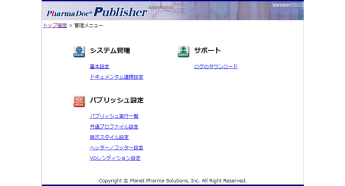
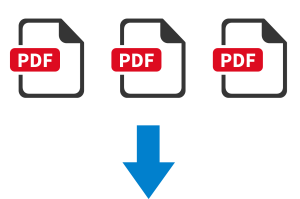
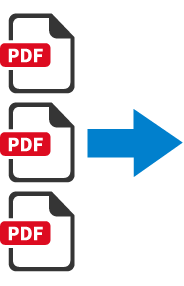
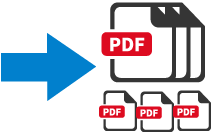
- PharmaDoc Publisher is a leaf PDF file creation tool to create a single PDF file from multiple PDF files.
- When creating leaf PDF files, you can easily edit bookmarks, create a table of contents page, and fill in headers/footers with text.
Functions offered
Publisher
- Bookbinding & Bookmark
- Table of Contents Creation
- Page Size Change
- PDF Version
- Web Optimization
- Table of Contents Editing
Feature
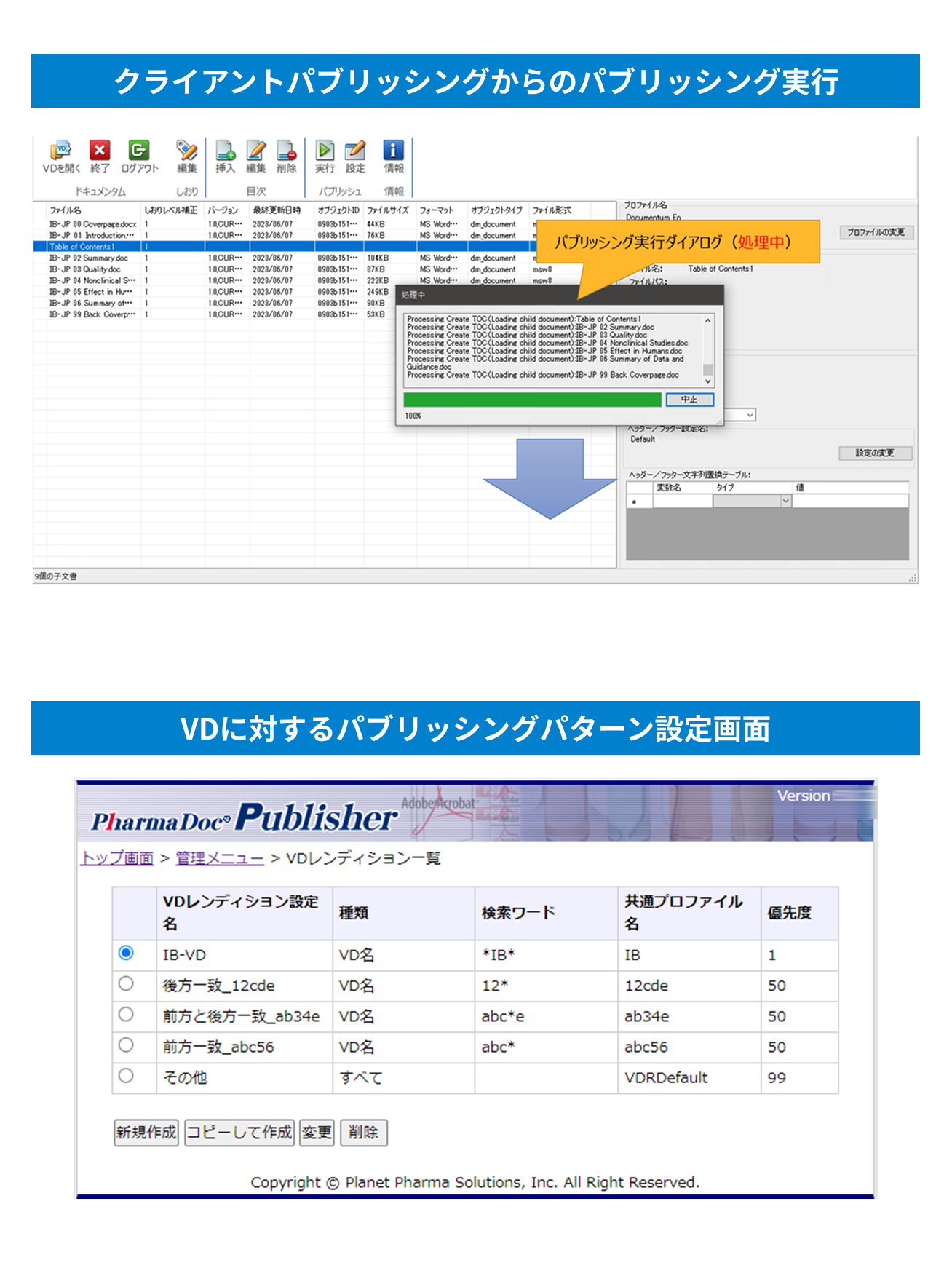
Two types of publishing execution methods
Publishing execution from the publishing client
- Users can specify rich and detailed publishing settings to execute publishing.
- With preview editing screens for both the table of contents and bookmarks, you can review and edit the final output before executing publishing.
- When publishing begins, an execution dialog appears, allowing you to monitor the progress of the publishing process.
Publishing execution with VD specified
- By simply configuring the mapping between predefined publishing patterns and VDs on the server side, users unfamiliar with report publishing patterns can execute publishing by specifying a VD alone.
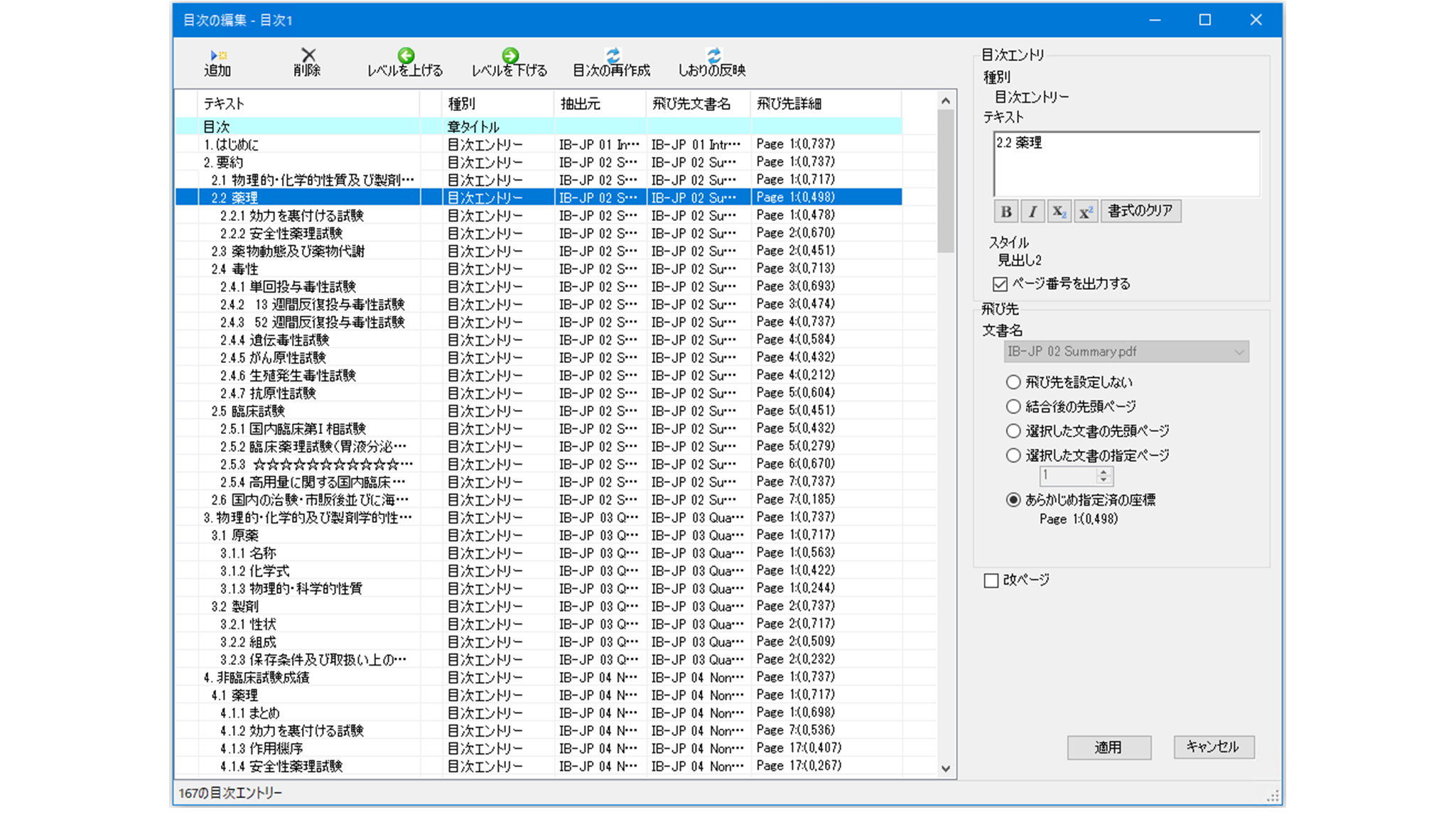
Confirm the finished image before execution
The preview function for the table of contents and bookmarks allows you to check and edit the finished appearance before executing report publishing.
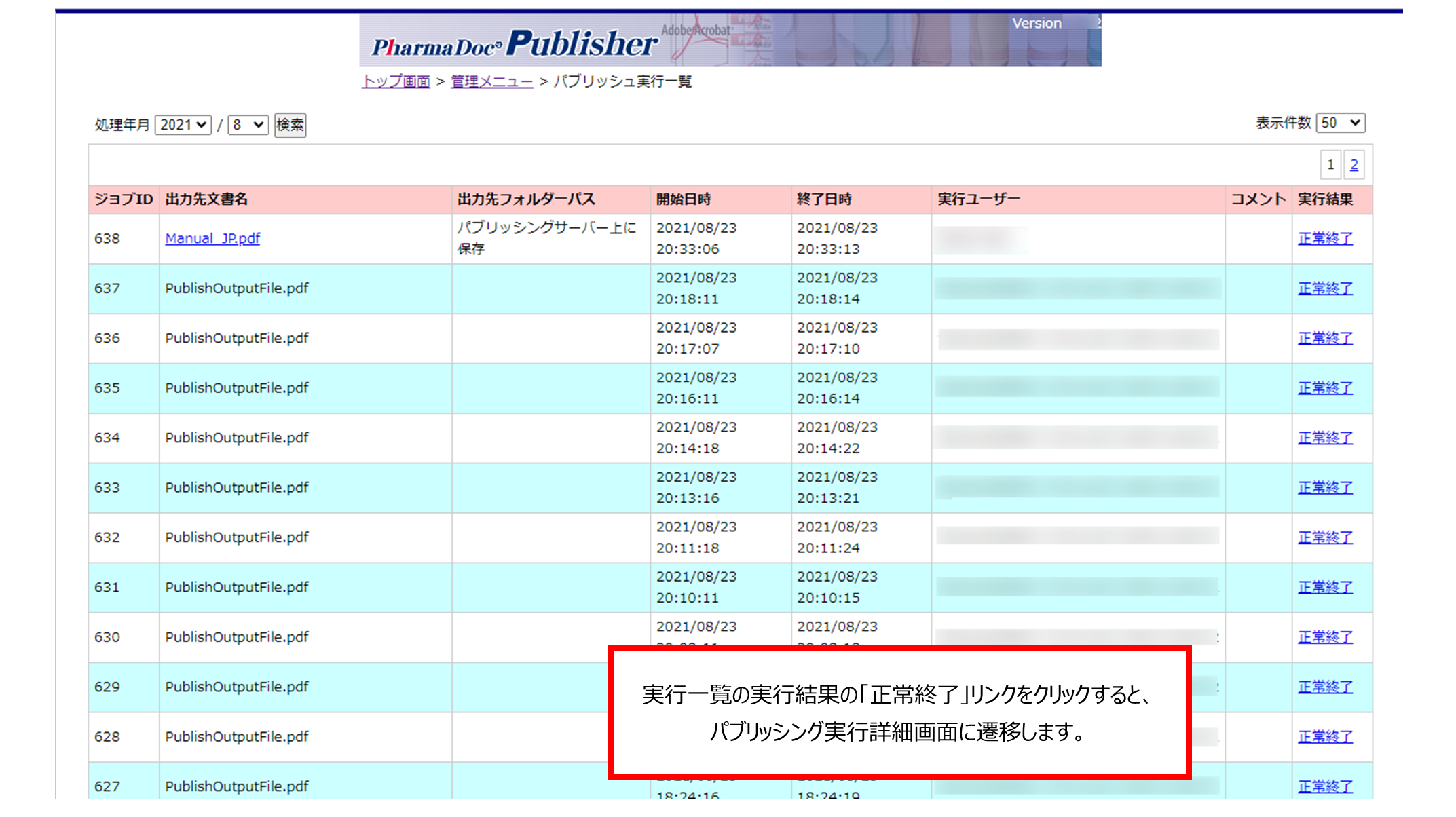
Check the execution status on the execution list screen
You can check the publishing execution status on the execution list screen.
Notify results via email upon completion
Upon completion of publishing, we will notify you of the publishing results via email.
Achieving high speed and multiple simultaneous executions
By changing the report publishing engine to Adobe PDF Library, we have achieved faster publishing and enabled simultaneous execution of multiple publishing tasks.
Achieves astonishingly fast processing
Report publishing speed including table of contents page creation (average of three processing speed measurements)
5000 pages : 8 minutes 38 seconds
10000 pages : 20 minutes 11 seconds
Simultaneous processing of 1000 pages × 10 jobs : 15 minutes 09 seconds
※Measure the processing time from the start of processing for all 10 jobs until the completion of processing for all jobs.
※Table of Contents Page Count: 17 pages each PDF File Size: 41MB each.
Cooperation with document management systems
Integration with OpenText's Documentum D2
- You can use Documentum's VD (Virtual Document) to perform publishing.
- PDF files created by publish can be automatically stored as VD rendition PDF files or as standalone PDF files without user intervention.
Integration with Veeva Vault by Veeva Systems
- You can use the Veeva Vault binder to perform the publish.
- PDF files created by publishing can be automatically stored in Veeva Vault's library without user intervention.
Working with Generis CARA
- CARA's structure can be used to perform publishing.
- PDF files created by publishing can be automatically stored in CARA's structure without user intervention.
Contact us for product introduction and consultation!
Please feel free to contact us.